Momentum, loading 000

ELIMINATE
NOISE

Invoice at 2 AM

MORE
MOMENTUM

Jobs processed quicker

SCROLL

WHAT IT IS

Your business. Your software. We build around your trades business, starting with the Momentrix core. Work directly with our engineer to make it fit the way you work.

GET STARTED WITH HESTON

Your first five minutes in Momentrix

See how to set up your account and find your way around. Pause and follow along at your own pace.

5:46 · English audio and captions

Read transcript
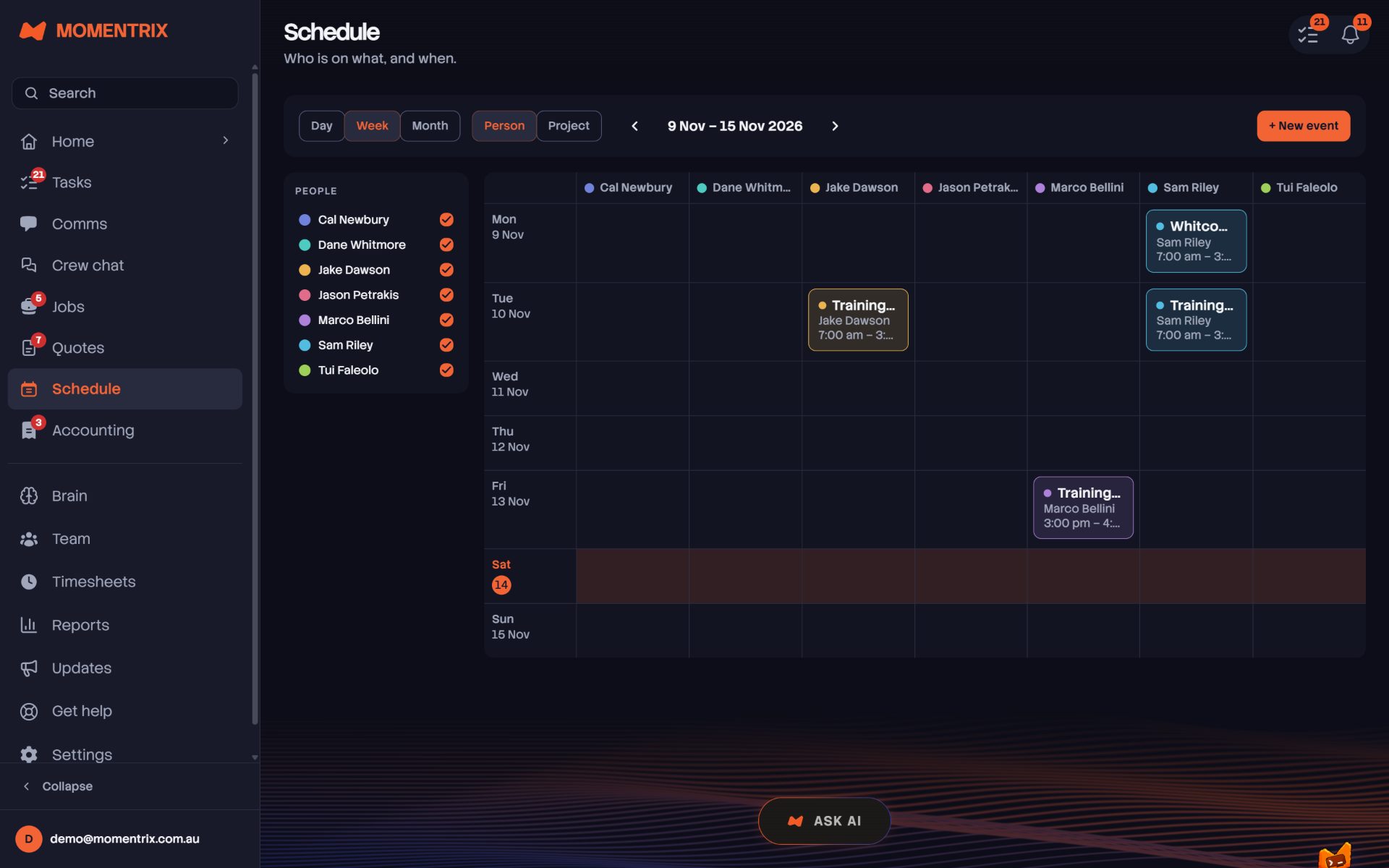
Hi, my name is Heston, the founding engineer behind Momentrix. Welcome aboard! In this video, I'll walk you through setting up your first account, trying your first practice quote and finding your way around the app. Keep this video open in another tab while you work through the setup. Pause whenever you need to. There is no rush. Start on the Momentrix website and select Get Started. Enter your name, then create your account using an email address you can check now. Read the terms before continuing. I'm using Alex as a fictional plumbing business for this demonstration. When you're setting up yours, use your own details. Check your inbox from the verification email and enter the code in Momentrix. Keep your password and verification codes private. We've left those screens out for this recording. When you come back later, sign in with the same email address. Next, verify your mobile. If you're in Australia, enter your usual number starting with 04. You don't need to change it to any country code. Select Send Code, then enter the code from your text message. For an international number, however, include the country code. Now, choose the states where your business works. I'm selecting Queensland for this example. Search for your business name and select the right match. If it doesn't appear, you can continue with the name you've entered. I'm calling this one Momentrix Training Demo. Choose the trade that best fits your work. I'll use plumbing. Now, take a moment to check your business details, including your location, home state and GST status. Once they're right, select Yes, that's me. You'll see suggested services for your trade. For plumbing, that includes things like block drains, hot water systems and leaking taps. Confirm the services your business actually offers. Next, we'll try a practice quote. John is an example customer with a block drain. This is here so you can learn the whole process before working with a real inquiry. Select Set My Price. Choose how you charge and enter your rate. I'm using $120 an hour. Use your own rate when you're setting it up and add a minimum charge if you use one. Build the example quote, then check the service, quantity and rate. In this example, 6 hours at $120 comes to $720. Your figures will depend on your own pricing and settings. If you've got your logo ready, add it here. Otherwise, select Skip for now. Until you add one, Momentrix will use your business name on your documents. That finishes the practice quote. The confirmation makes it clear that John isn't a real customer and nothing was sent. Let's head into the app. This is your dashboard. It gives you a summary of the business and it also is somewhere where you can ask Astro for help. Astro is the AI agent assistant inside Momentrix. A brand new account will look fairly quiet, so choose Show Me Around for the welcome tour and check the trial details displayed on your account. You can add the remaining setup items to tasks so you've got a list to work through. Give them a moment to appear. They're reminders, so you'll still need to complete each setup step before marking it done. Now, let's finish your service list. Open Settings, then Services and Pricing. Give it a name, choose how you charge and enter your base rate. Save it and check that it appears in the list. Comms is where your conversations appear. To see the email connection options, open Settings, then Integrations, then Email. You'll see Gmail, Microsoft 365 and an option for another mailbox using its server details. I'm just showing you those options here. We haven't connected a mailbox in this walkthrough. Before sending invoices, open your invoicing settings and add the payment account. Details your customer should use. Check your payment terms and business details as well. You can add your logo here later, too. In this onboarding example, we're leaving the payment details blank. If you've got a crew, open Team and choose Invite Member. Enter their email and choose a role that gives them the access that they need. Double-check both before sending. I'm leaving this invitation unsent for the demonstration. Under Preferences, choose which notifications you'd like to receive. That includes new messages, assigned jobs and draft replies. Set them to suit your day and save any changes. Over in Jobs, you'll find your pipeline from new enquiries through to completed work. Open a stage to see its jobs or select New Job to create a new record. Schedule shows who's doing what and when. Switch between day, week and month or group the work by person or project. As you add jobs and events, you'll see them in the calendar. And that's your first look around Momentrix. My suggestion is to start with your services and prices and then work through the remaining setup tasks at your own pace. You can watch the other tutorials when you're ready to quote, schedule your crew or send an invoice. If you need any help, open Astro or contact the team direct through support. Thank you for joining us. I'll see you in the next video.
Watch the setup guide in another tab

◇ THE CORE WE BUILD ON

MOMENTUM MANAGED.

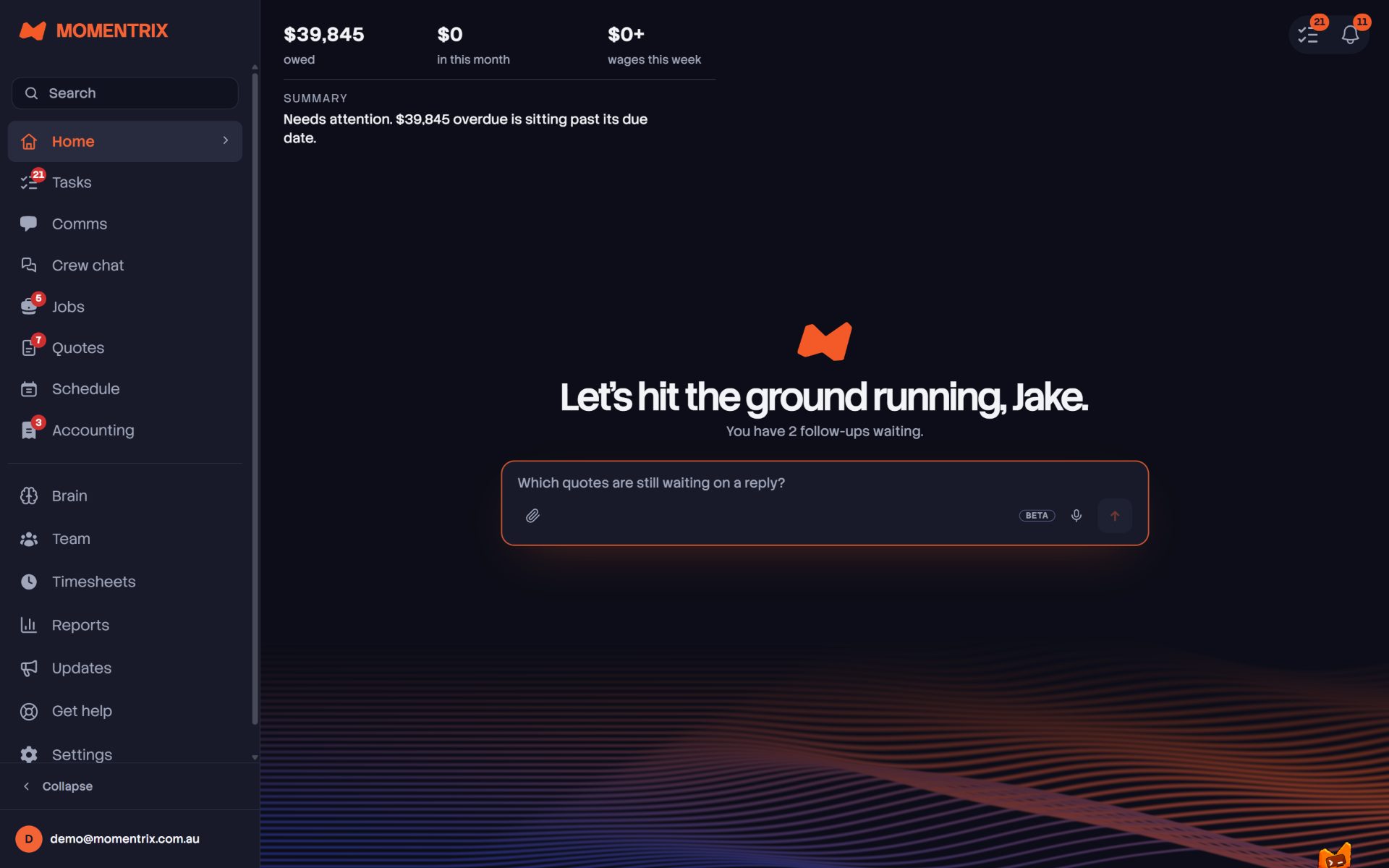
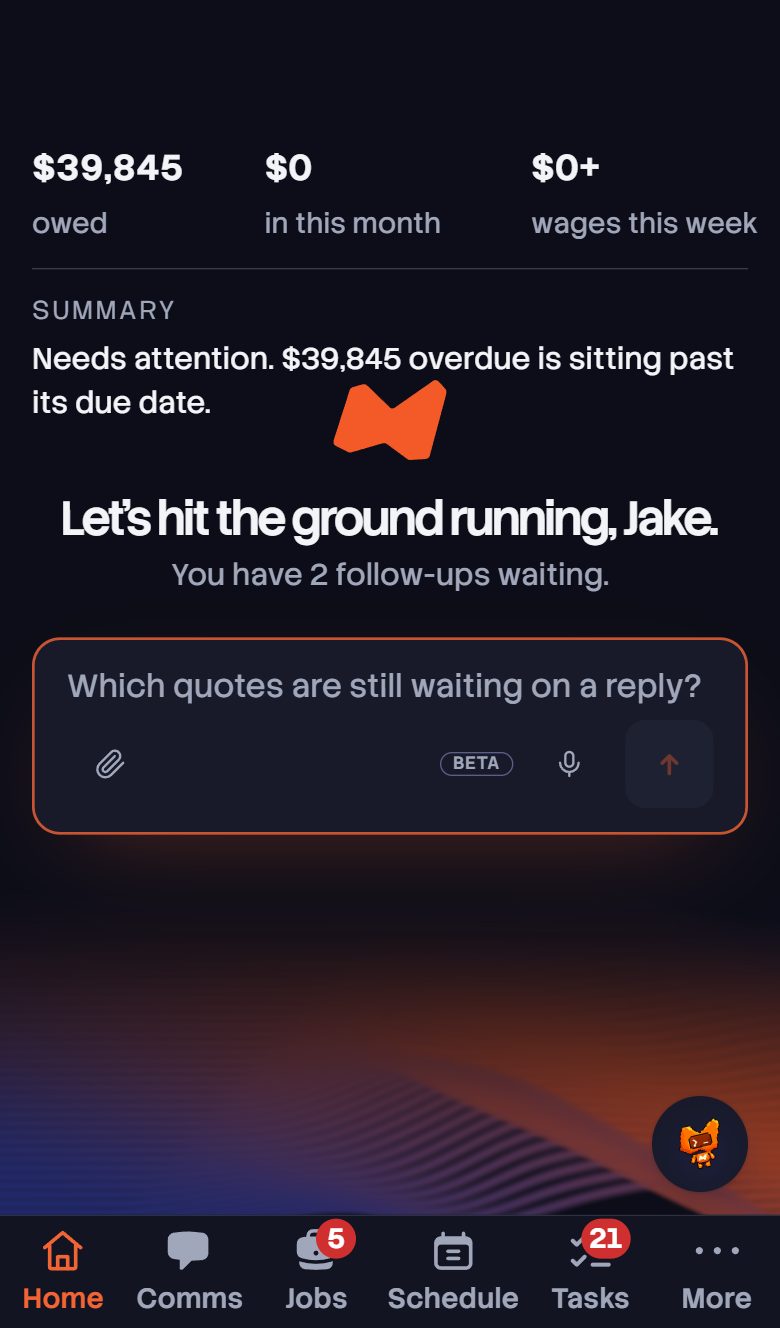
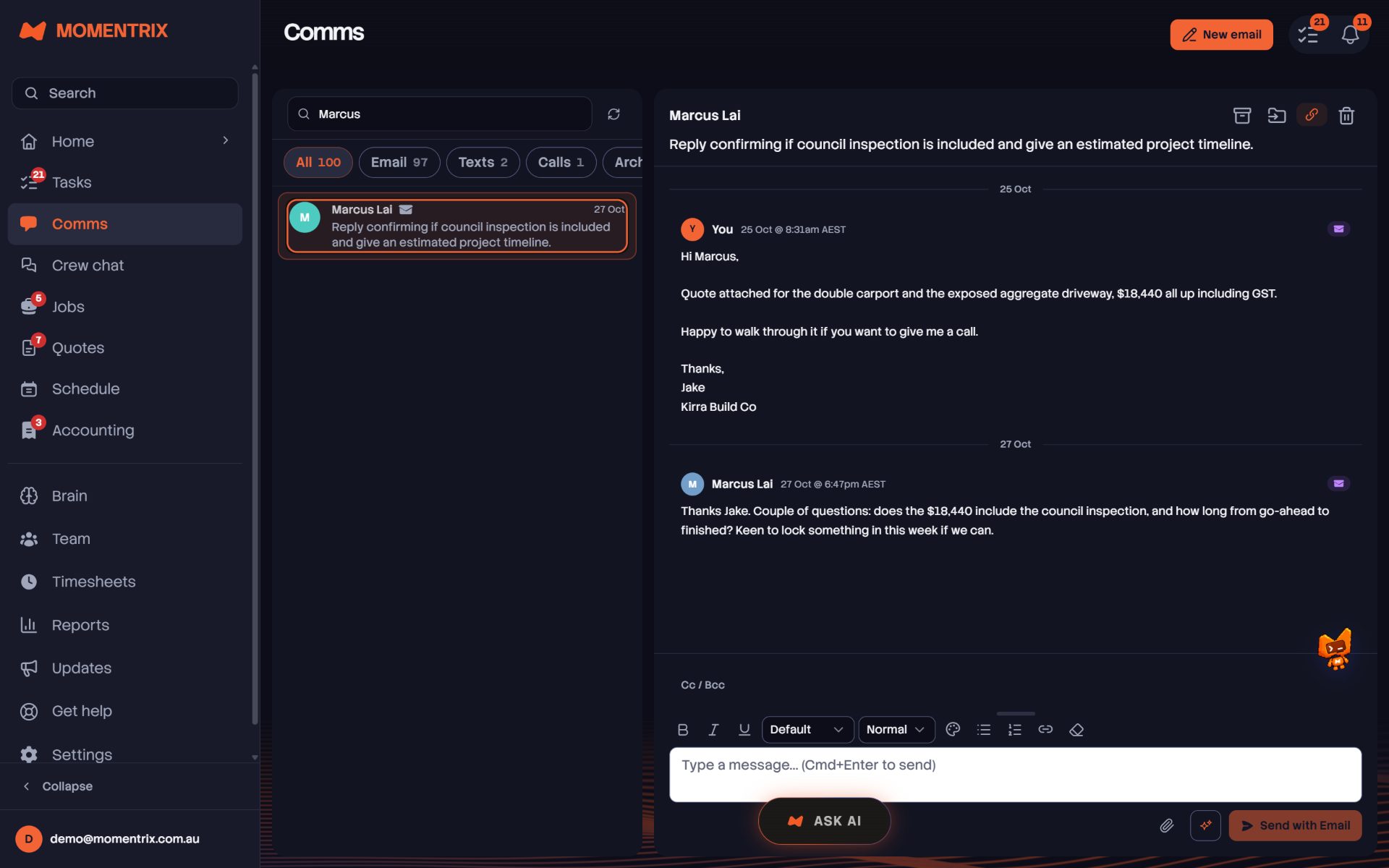
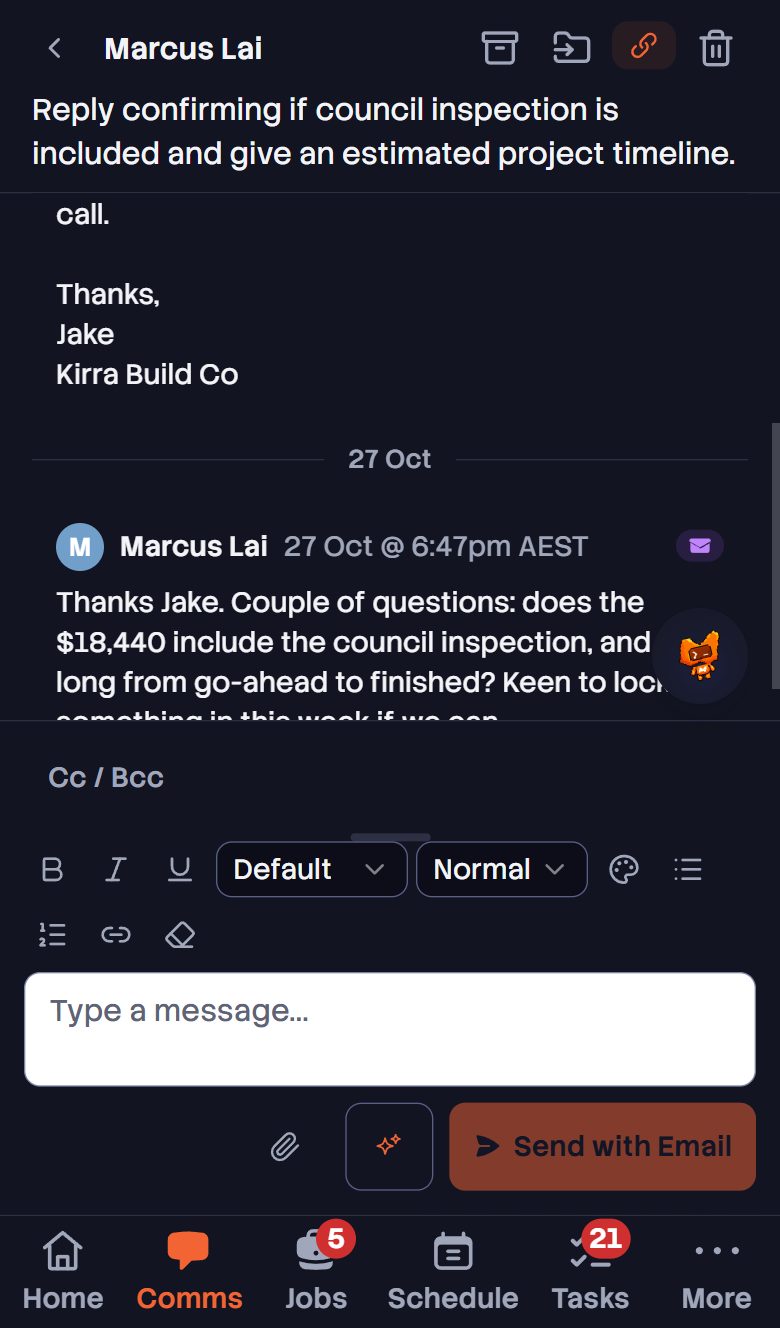
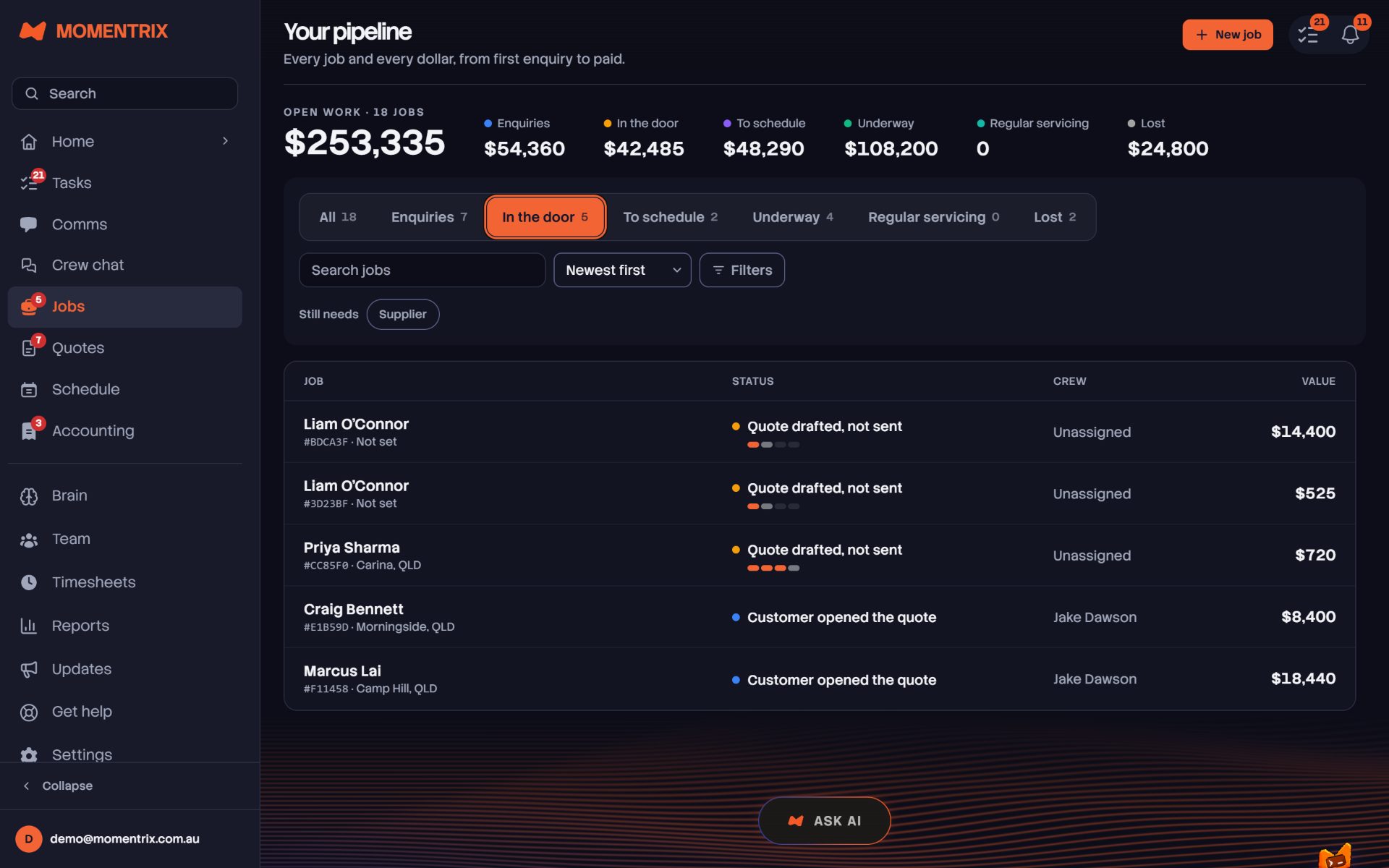
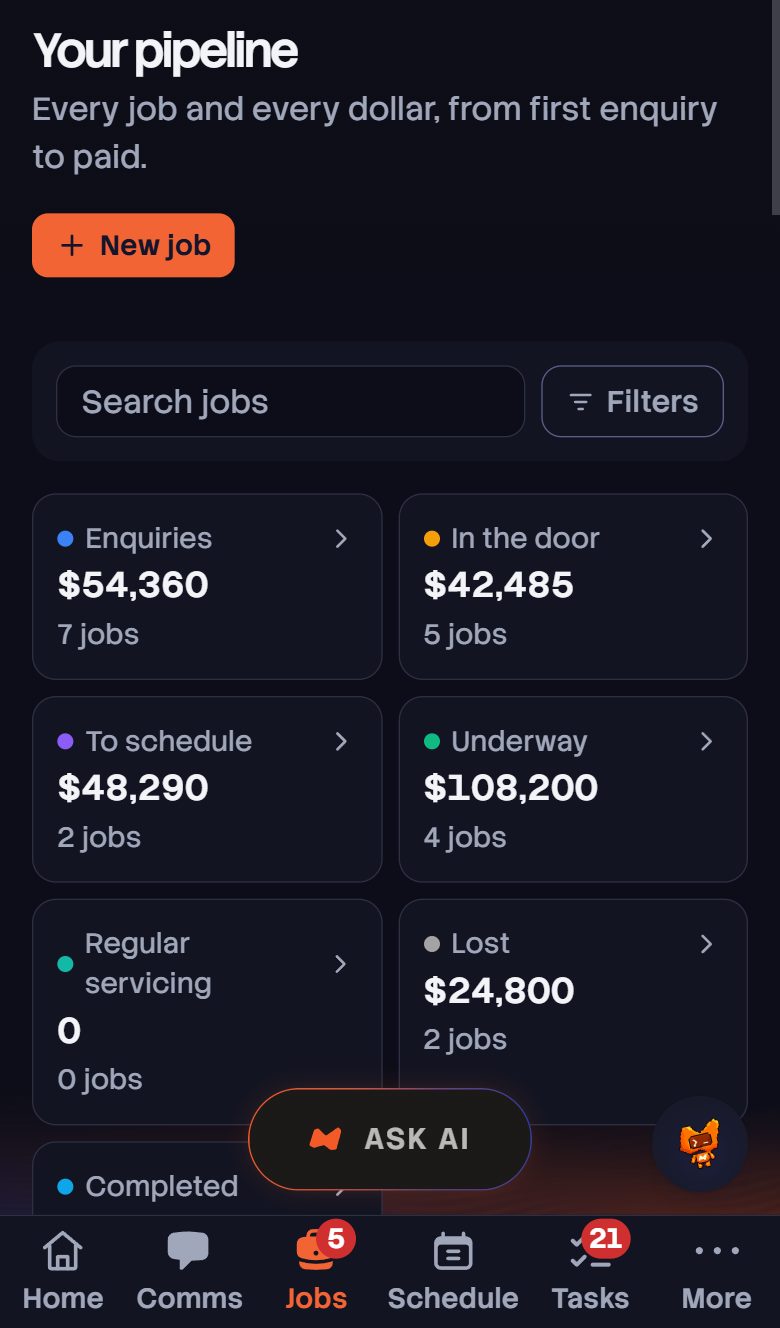
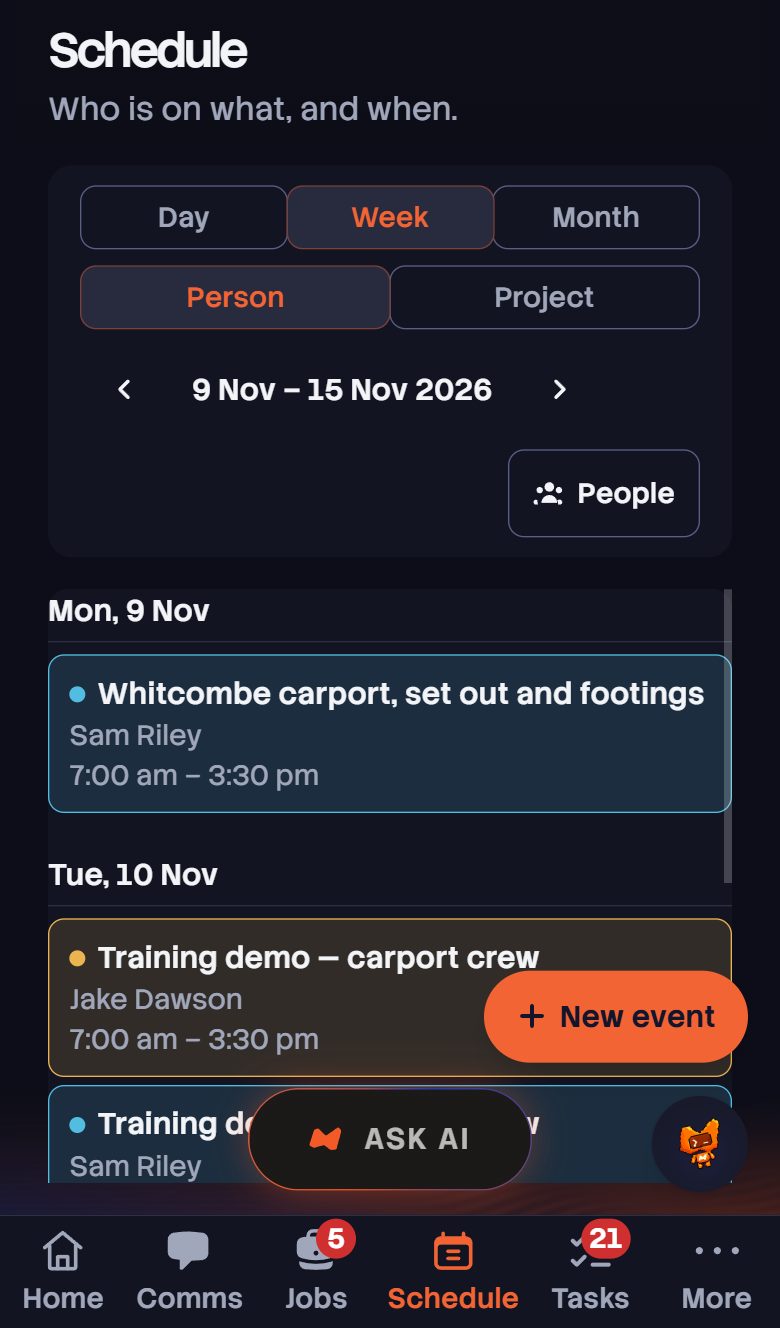
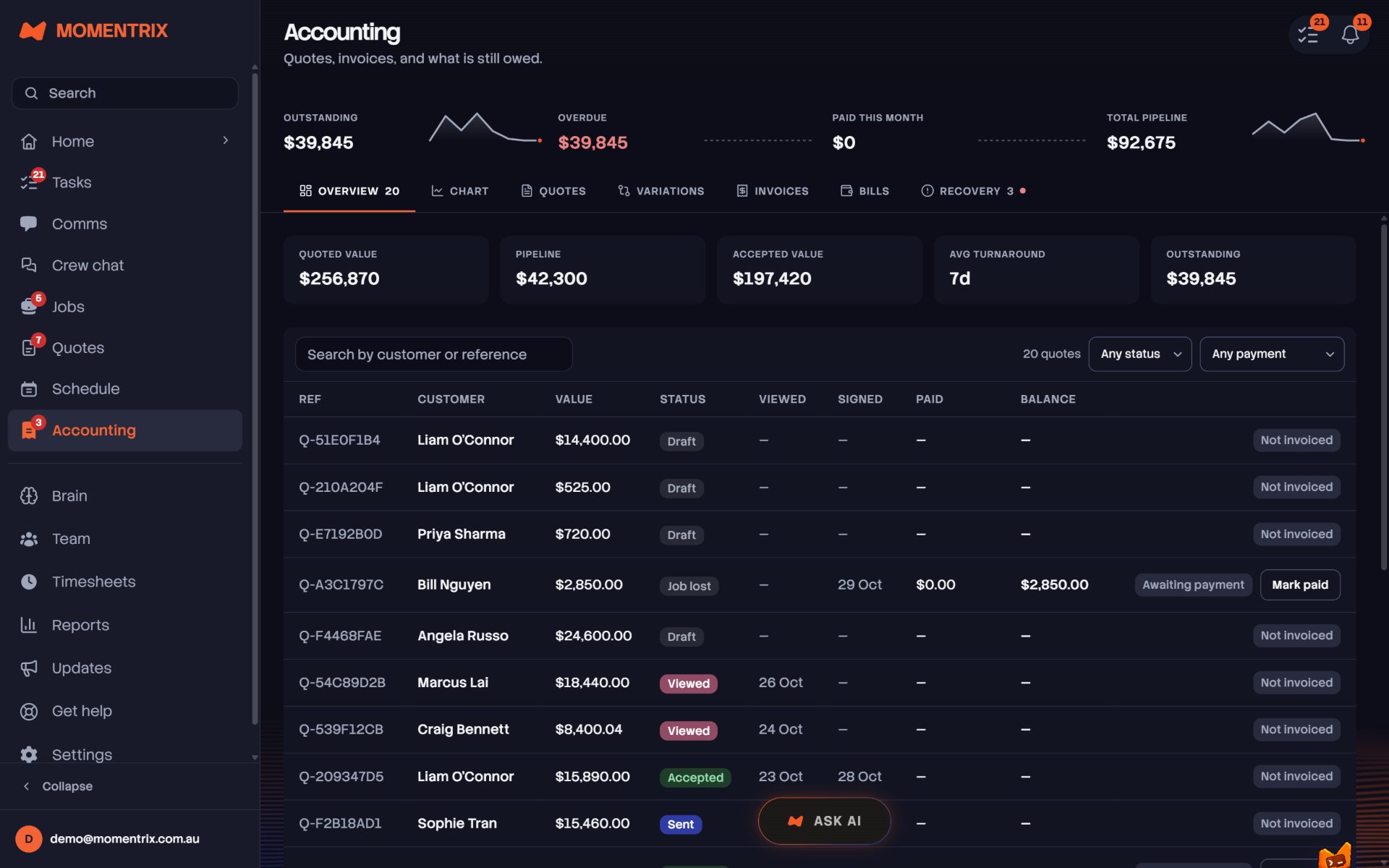
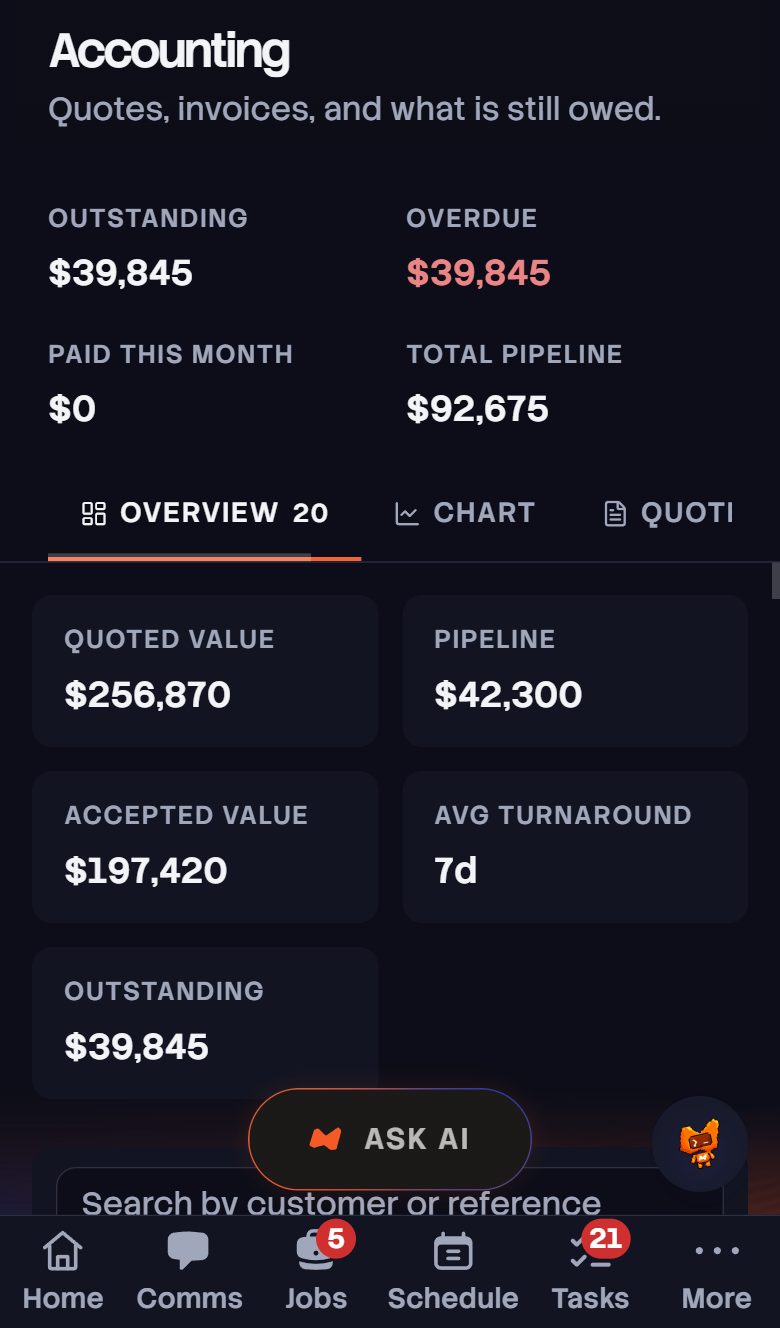
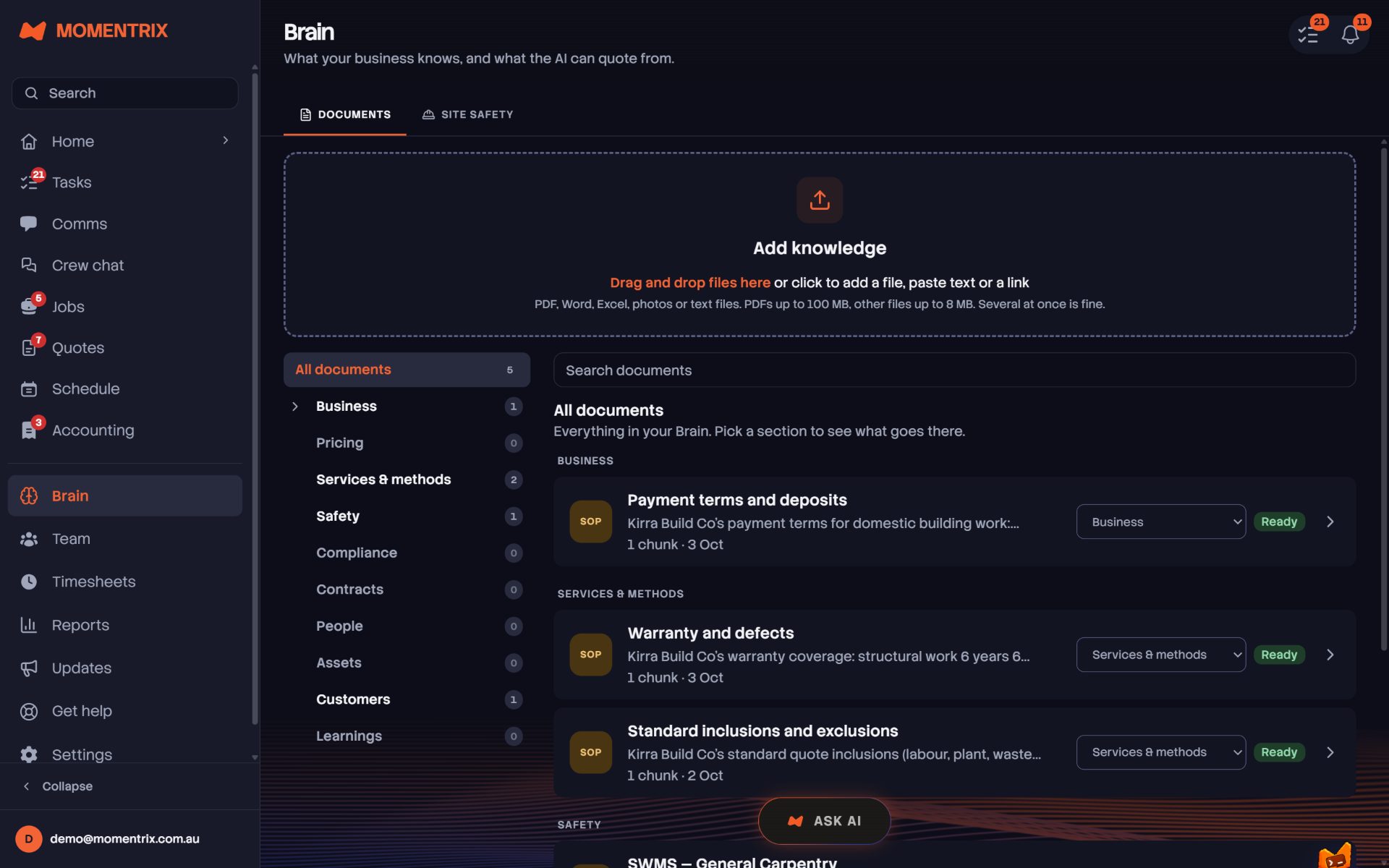
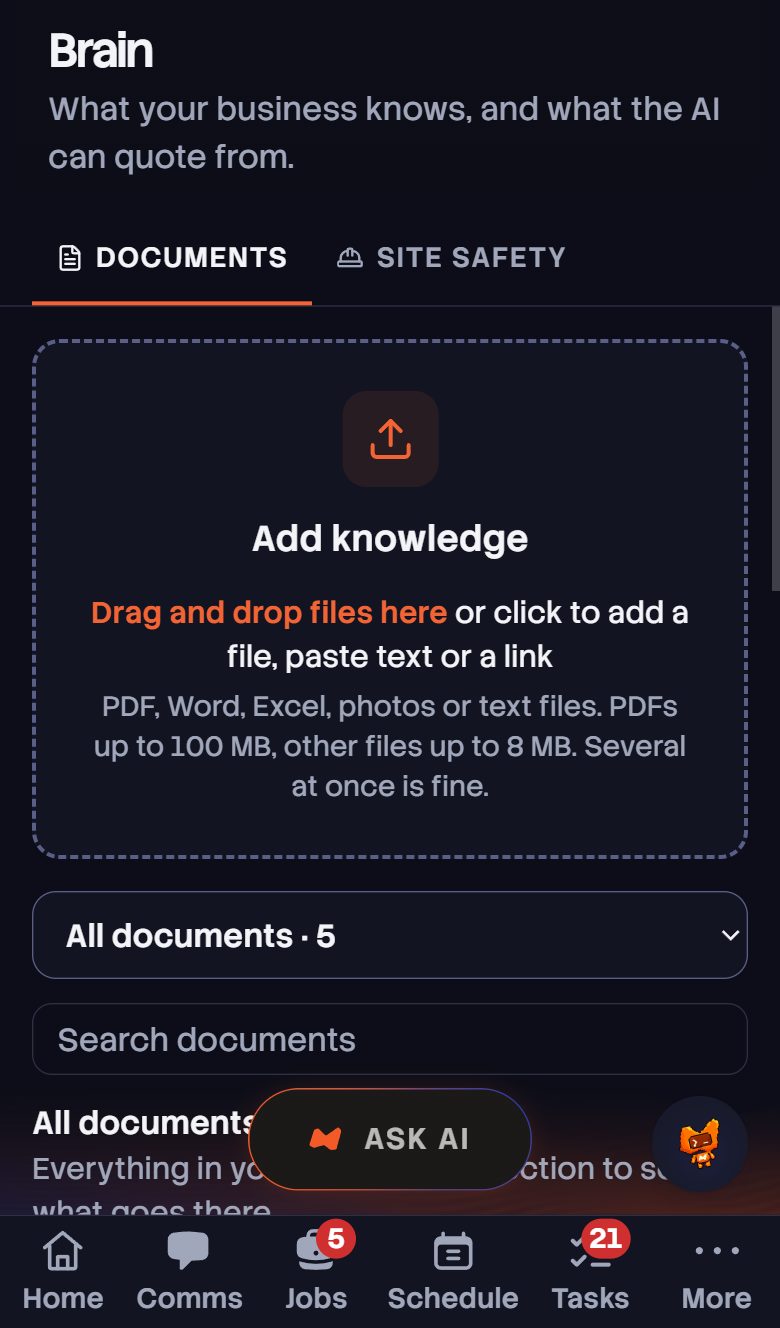
Explore the real Momentrix app before you sign up. These screenshots show our demo business and the core we start from. Your workflows, processes and specific requirements shape what we build with you.

Your business, with a coach alongside it.

Ask the AI Coach in plain English and review the work it prepares. This is the Momentrix core in action, ready to be shaped around your day.

  • Plain-English requestsAsk for help with jobs, quotes and follow-ups.
  • You stay in controlReview proposed actions before approving them.
Real app · Demo business · Dashboard on desktop and phone

◇ SOFTWARE + PEOPLE

MORE THAN A SOFTWARE SUBSCRIPTION.

We're not a typical SaaS company. We build custom software around your trades business, using the Momentrix core as the baseline. You work directly with Heston, our engineer, to make your product as tailored and specific to you as possible.

01 / UNDERSTAND

Show us how you work.

Your trade, your team, your processes. We start with what happens on a real working day and where the admin gets in the way.

02 / BUILD

Start with a working core.

Jobs, quoting, scheduling, communications and business knowledge give us a foundation. Together, we identify what needs to work differently for you.

03 / TAILOR

Work with the engineer.

Work directly with Heston to shape the details, try them in practice and refine the product around your business.

◇ WHAT YOU GET BACK

YOU DIDN'T START A BUSINESS TO RUN ADMIN AT 11PM.

The work you're doing yourself after hours, and the load on your admin staff, off both your plates.

01

Your evenings back

Finish the day and the business keeps running without you. Quotes go out. Leads get followed up. Schedules lock in. You close the laptop and your nights are yours again.

02

Your team at their best

Your people stop drowning in repetitive admin and start doing the work only a human can do. Relationships. Decisions. Quality. The stuff that builds a business worth owning.

03

Nothing ever slips

Every lead caught. Every callback logged. Every invoice tracked. The revenue that used to fall through the cracks when you were flat out, now captured automatically, every time.

◇ WHO IT'S FOR

BUILT FOR THE TRADES — AND EVERYONE WHO RUNS ON JOBS.

Momentrix was built on the tools, for construction and every trade that keeps the country moving. But the engine doesn't care what's on the truck — if your business runs on quotes, jobs, crews and getting paid, it runs on Momentrix.

Builders, sparkies, plumbers, chippies, landscapers, cleaners, mechanics — and hundreds more. The list keeps growing. Yours is on it.

◇ THE PEOPLE BEHIND YOUR PRODUCT

TRADE EXPERIENCE. DIRECT ENGINEERING.

Matty Mannion, founder of Momentrix
Matty Mannion Founder — on the tools since 19
“I run 5+ companies at once from a single mission control. Momentrix is that system, opened up.”

Matty's built and sold multi-million dollar companies in construction, building and development — and broke records doing it. The grind runs in the background so his focus stays on the work only he can do.

His experience running trades businesses shapes the problems we solve and the core we build on.

5+Companies run at once
$10M+Built & sold
@mattymannion_x_momentrix
Heston Brockington, Momentrix founding engineer, in a black polo shirt
Heston Brockington Founding Engineer
“You talk to the engineer building your software. Momentrix bends to your business, not the other way round.”

Heston spent years in enterprise software and workflow automation before building Momentrix. Work with him directly to explain the specifics and make Momentrix fit your business.

Start with the Momentrix core, then work together on the details that make it yours.

900+Updates shipped
6 moFirst line to live
@hestonnn_